Start at the top
Keep all companies, all markets, and all sales reps in view for an enterprise-wide perspective.

Start with the whole enterprise. Narrow your view by region, company, market, or sales rep—without being siloed into just one company or market.
Your reporting view should follow the question you’re asking. Review performance across the organization, then focus on a region, company, market, or rep as needed.
Keep all companies, all markets, and all sales reps in view for an enterprise-wide perspective.
Narrow by region, company, market, or rep. Combine filters to answer a specific operational question.
Adjust your filters to broaden the view again. Reporting and management follow the scope you choose, within your access permissions.
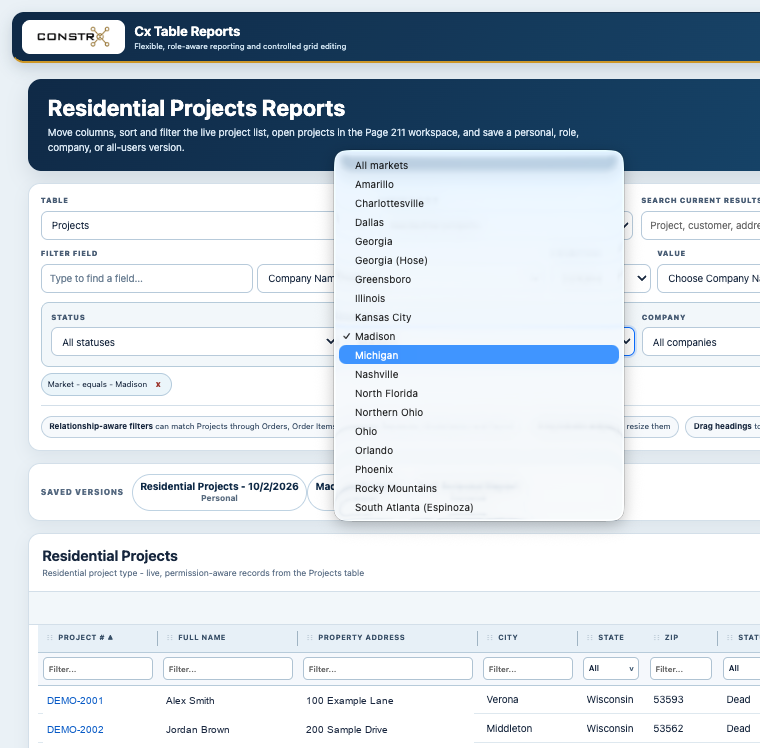
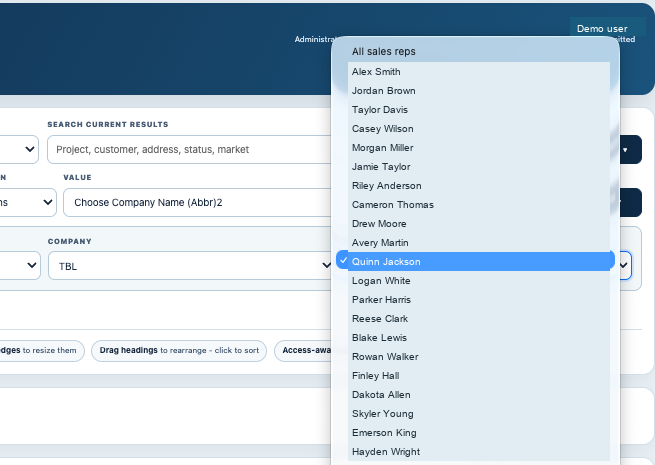
Use the same reporting workspace to explore the organization from different angles. These real ConstrX screens show the company, market, and sales rep controls.
Choose a company when you need focus. Keep “All companies” selected to see across the enterprise.
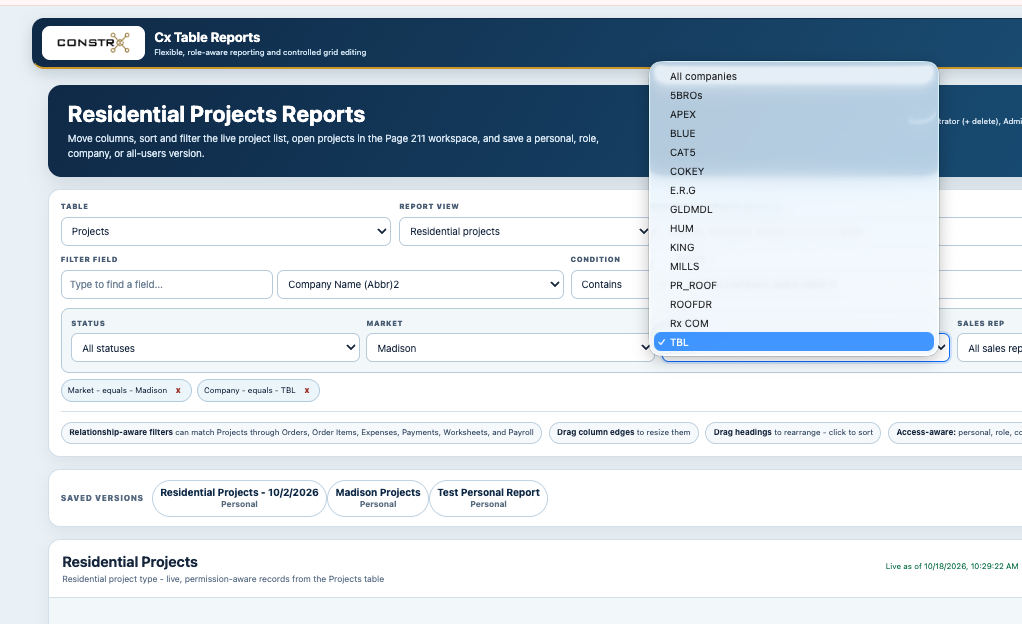
Review a local market or select “All markets” to keep the bigger picture in view.
Choose a sales rep for a focused view, or keep “All sales reps” selected to review the team together.
Actual ConstrX screens · Demo personal details · Click any screen to enlarge